Eden for Android

Release notes

Everything Eden has learned lately, newest first, and what each change means for your house.

Follow by RSS
  1. Big repairs, seen coming a mile away
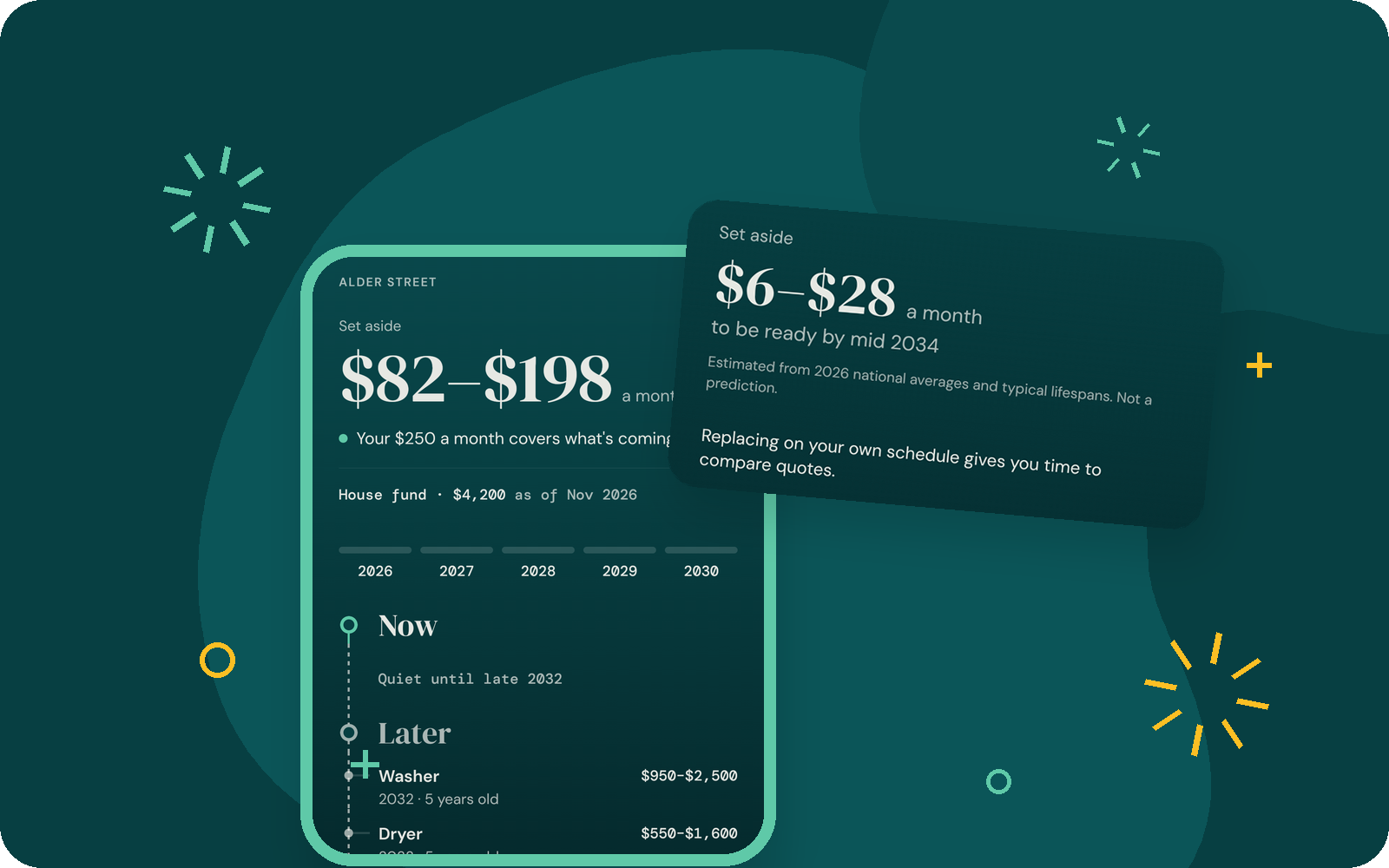
    Eden's What's coming screen with a set-aside range, a timeline of items by year, and a card: set aside $6–$28 a month by mid 2034

    Nobody budgets for a dead water heater. It tends to announce itself with a cold shower and a bill.

    Eden would rather you saw it coming. Every item now shows its years left, right on the Items tab. Scroll through and you’ll see which things have plenty of life ahead of them and which are getting on a bit.

    Knowing is half of it. Paying is the other half. So Eden estimates what a replacement costs and what to tuck away each month to cover it. A big repair turns into a small monthly habit instead of a shock.

    And when something nears the end of its life, you’ll hear about it while there’s still time to plan. Time to compare quotes, pick a weekend, and replace it on your terms rather than in a hurry.

    Big repairs, seen coming a mile away. Your wallet says thanks.
  2. Right job, right season, every sink

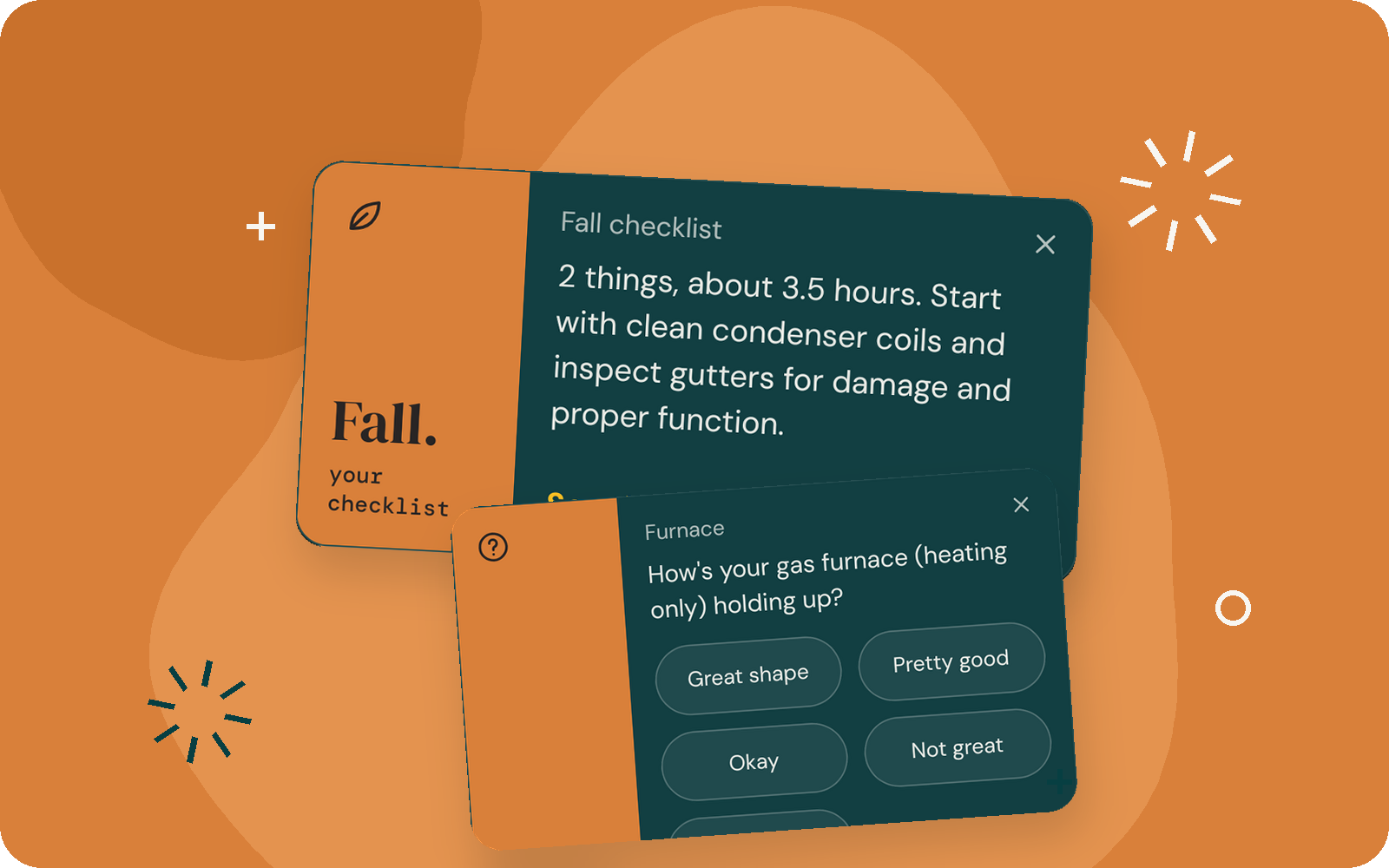
    A Fall checklist card in Eden, 2 things, about 3.5 hours, next to a card asking how the furnace is holding up

    Gutters in fall. The AC in spring. Your house runs on seasons, and now your task list does too.

    For You gathers each season’s jobs in one place, and nudges you to book the pros early, before everyone else on your street has the same idea.

    Next, the sinks. And the smoke detectors, and the windows. Add a bunch of them together, then give each one its own room and age. Tested the hallway smoke detector but not the one in the basement? Check off only the one you did. Eden keeps track of the rest.

    Finally, the jobs that only happen once. Fixing a leaky faucet? Add it as a one-time task. Check it off and it’s done for good. No repeats, no surprise encore next year.

    Right job, right season, every sink accounted for.

  3. A fairer score, and a clear path to raising it

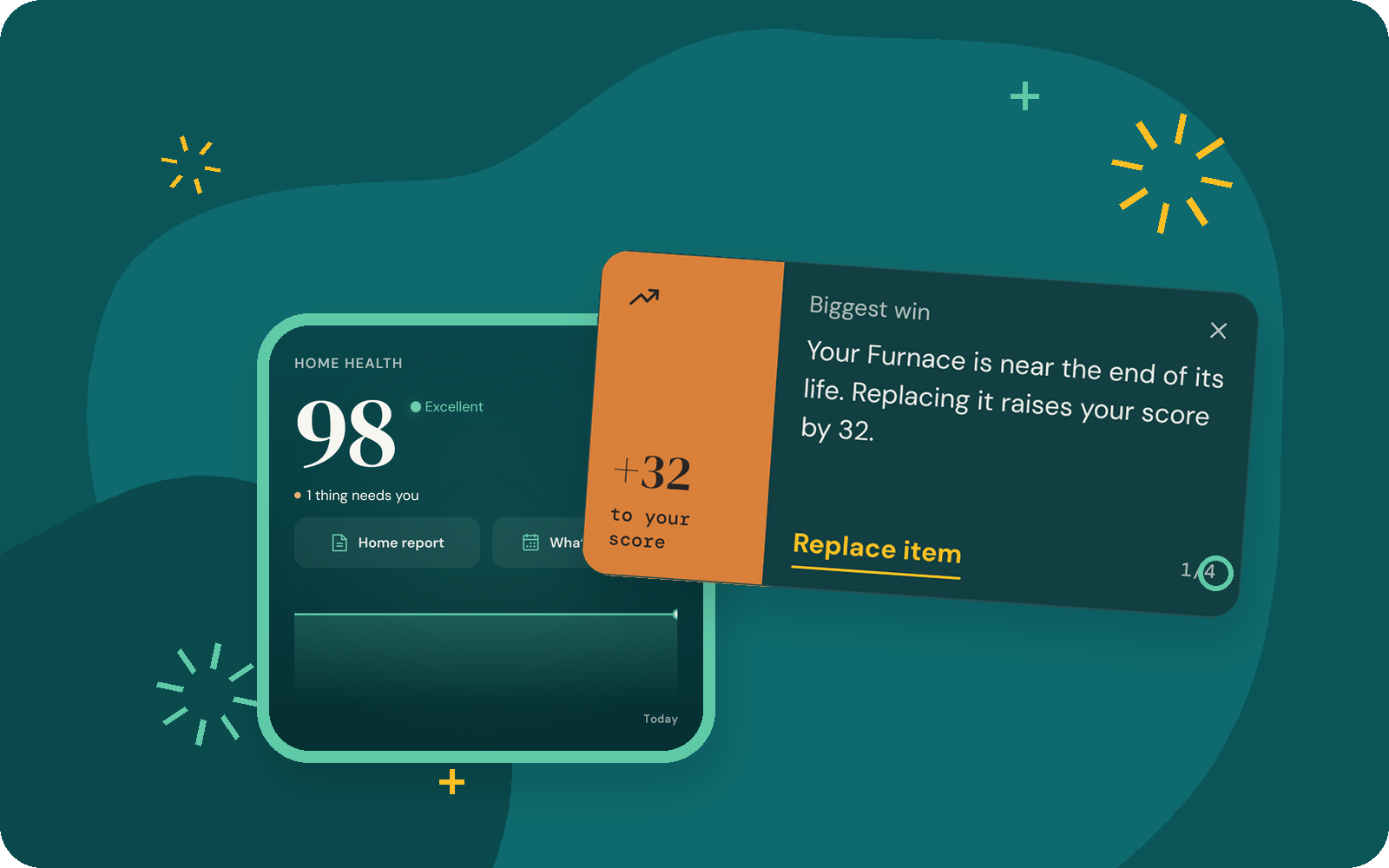
    Eden's dashboard at a Home Health score of 98, with a Biggest win card: replacing the furnace raises the score by 32

    A score is only useful if you can trust it. So Eden reworked how it scores your home.

    Open the app and your number may have moved a few points. If it did, your house didn’t change overnight. The score got more honest: it now reflects your home’s real condition.

    A fair number is a good start. Knowing what to do about it is better. Eden now points you to the one task worth doing next, and tells you how many points it adds to your score. No more guessing which chore counts most. Do that one, then watch the number move.

    Then there’s the day the old water heater finally gets hauled away. Replace it in one step, and the old one stays on file with its full history, so nothing you logged disappears with it.

    Honest score. Clear next step. A record that outlives the hardware.

  4. Heads-ups about your home, right when they matter

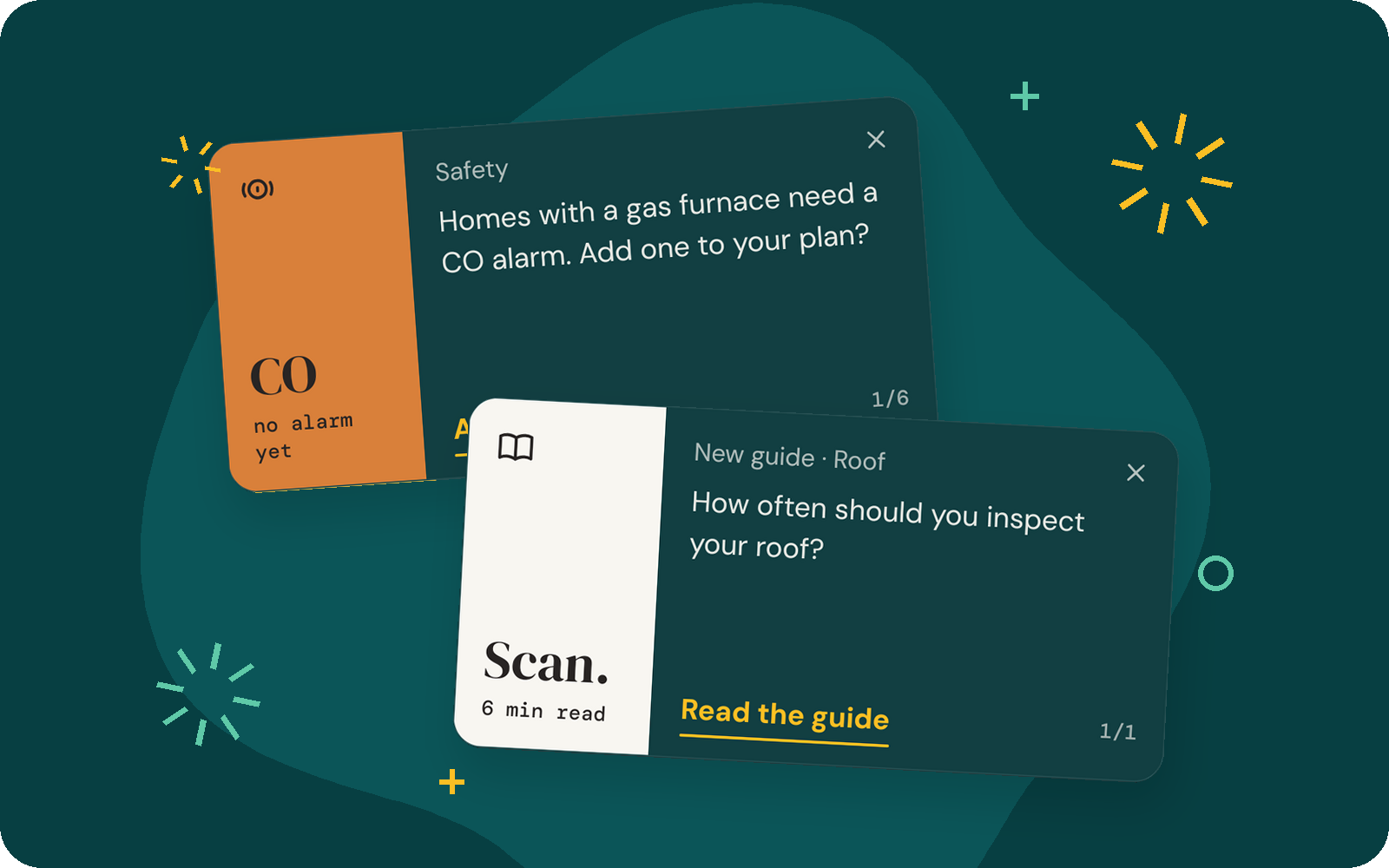
    Two For You cards in Eden: a safety card about adding a CO alarm, and a new guide to inspecting your roof

    Your house rarely warns you before something matters. For You does it instead.

    Open Eden and look under your score. Bold new cards put what matters right up front. Tap one to act on it. Swipe it away when you’re done. That’s the whole routine.

    One of those cards could save you a repair bill. A month before a saved warranty runs out, For You flags it, so the dishwasher making that funny noise gets looked at while the fix is still covered.

    Then there are the guides. For You picks how-tos for the things you actually own, so a home with a gas furnace gets furnace advice, not a lecture about pool pumps. Read them right there, without leaving Eden.

    Fewer surprises. Better timing. Same house.

  5. Your home, on your schedule

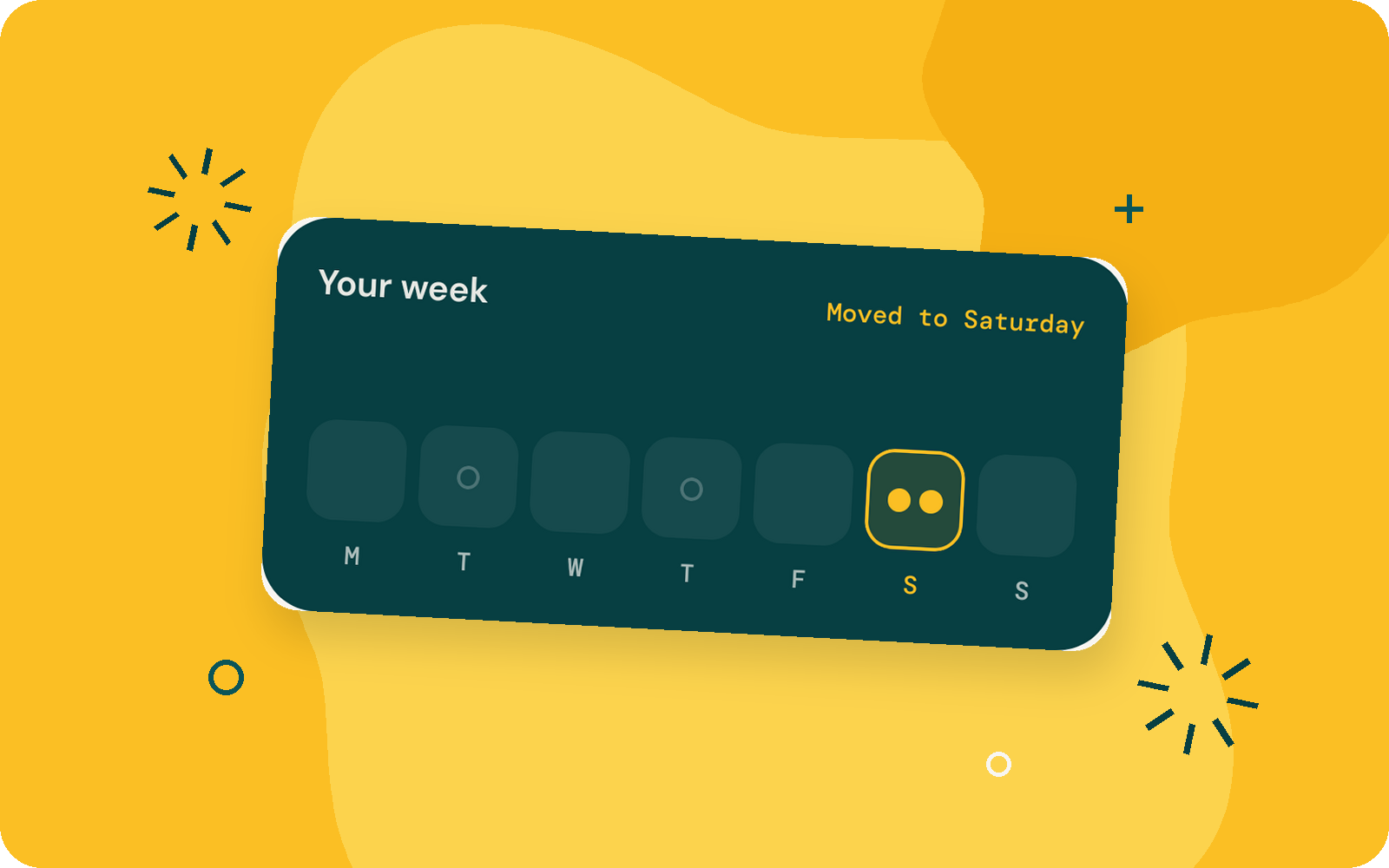
    Eden's Your week card, with the week's tasks moved to Saturday

    Not everyone does chores on a Tuesday night. If your house gets your attention on Saturday morning, Eden can work with that now.

    Pick Weekends as your preferred day, and Eden lines your tasks up for Saturday and Sunday. The gutters, the filter, the smoke detector test: all waiting for the days you actually have time.

    Your home is also allowed to be a little unusual. A koi pond, a backup generator, a sauna the last owners left behind. If it isn’t in the catalog, add it as a custom item and track it your way.

    And the fiddly bits got less fiddly. Filling in when you bought something, or when its warranty runs out, now takes a tap or two, with quick picks for the common answers.

    Your home. Your schedule. Your weekend, if you want it.

  6. Welcome home

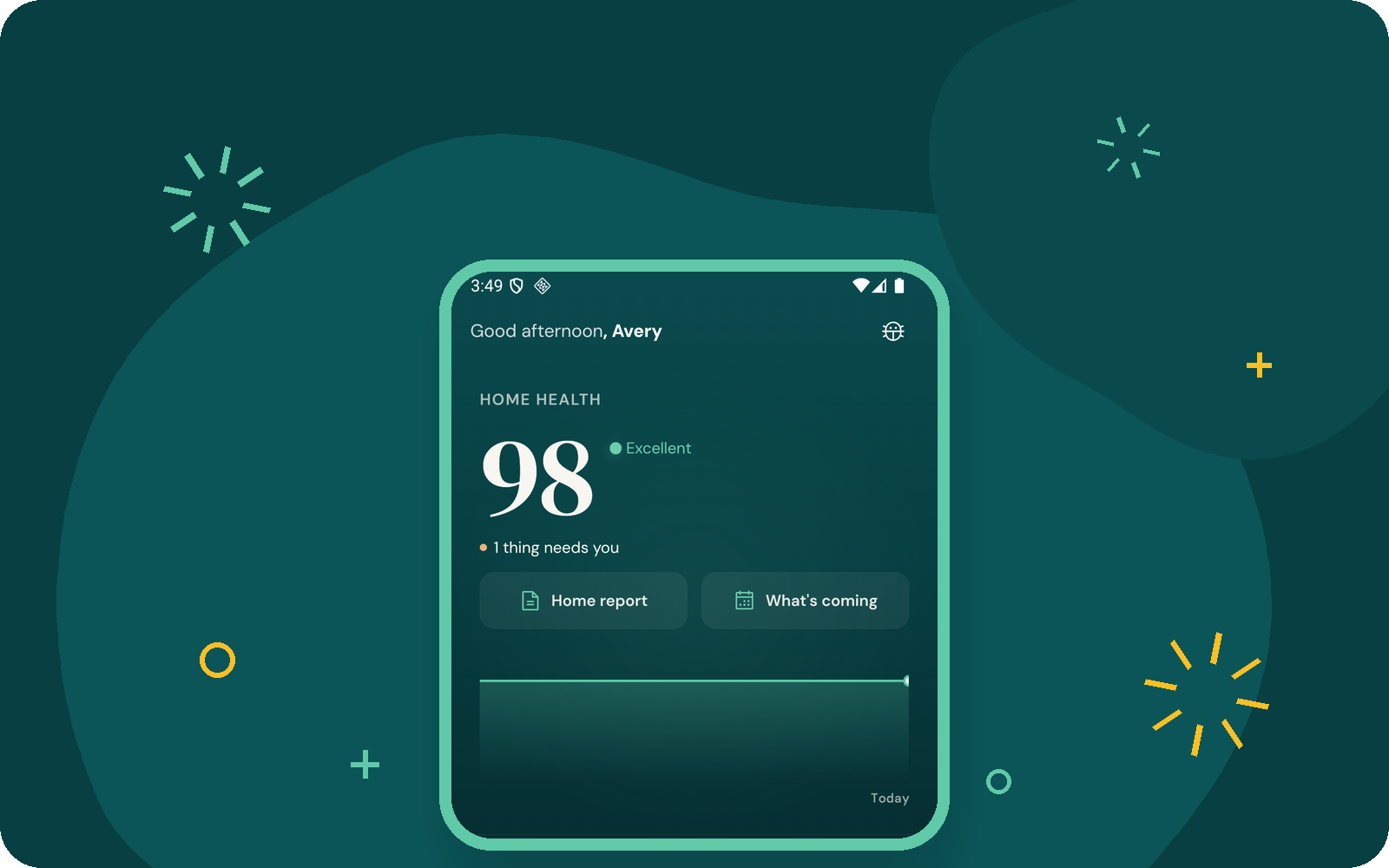
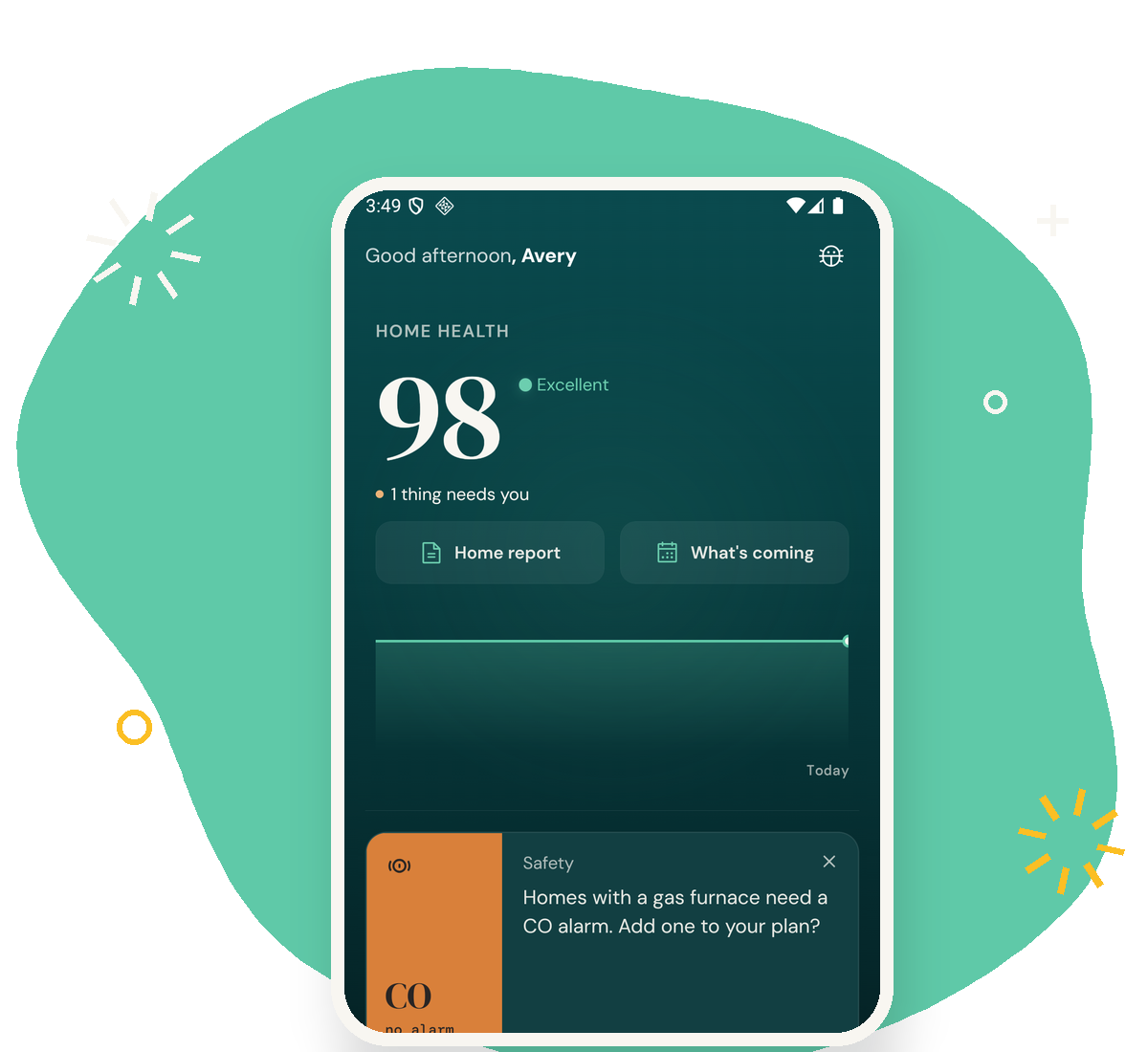
    The Eden dashboard on a phone, showing a Home Health score of 98, Excellent

    Your house has a lot going on. Filters that want changing, gutters that want clearing, and a water heater you haven’t thought about since… ever. Eden keeps track of all of it, so you don’t have to.

    Here’s how it works. Add your home and what’s in it: the furnace, the fridge, the smoke detectors, whatever you’ve got. Eden builds a maintenance schedule around that list, so the plan fits the house you actually live in.

    Then comes the good part. Each time you check a task off, your home’s health score climbs. It’s a small number with a big job: showing you, at a glance, how your house is doing.

    That rare, glorious feeling of being on top of it? It’s closer than you think.

    This is Eden 1.0. Welcome home.

  7. Your home's story, told in full

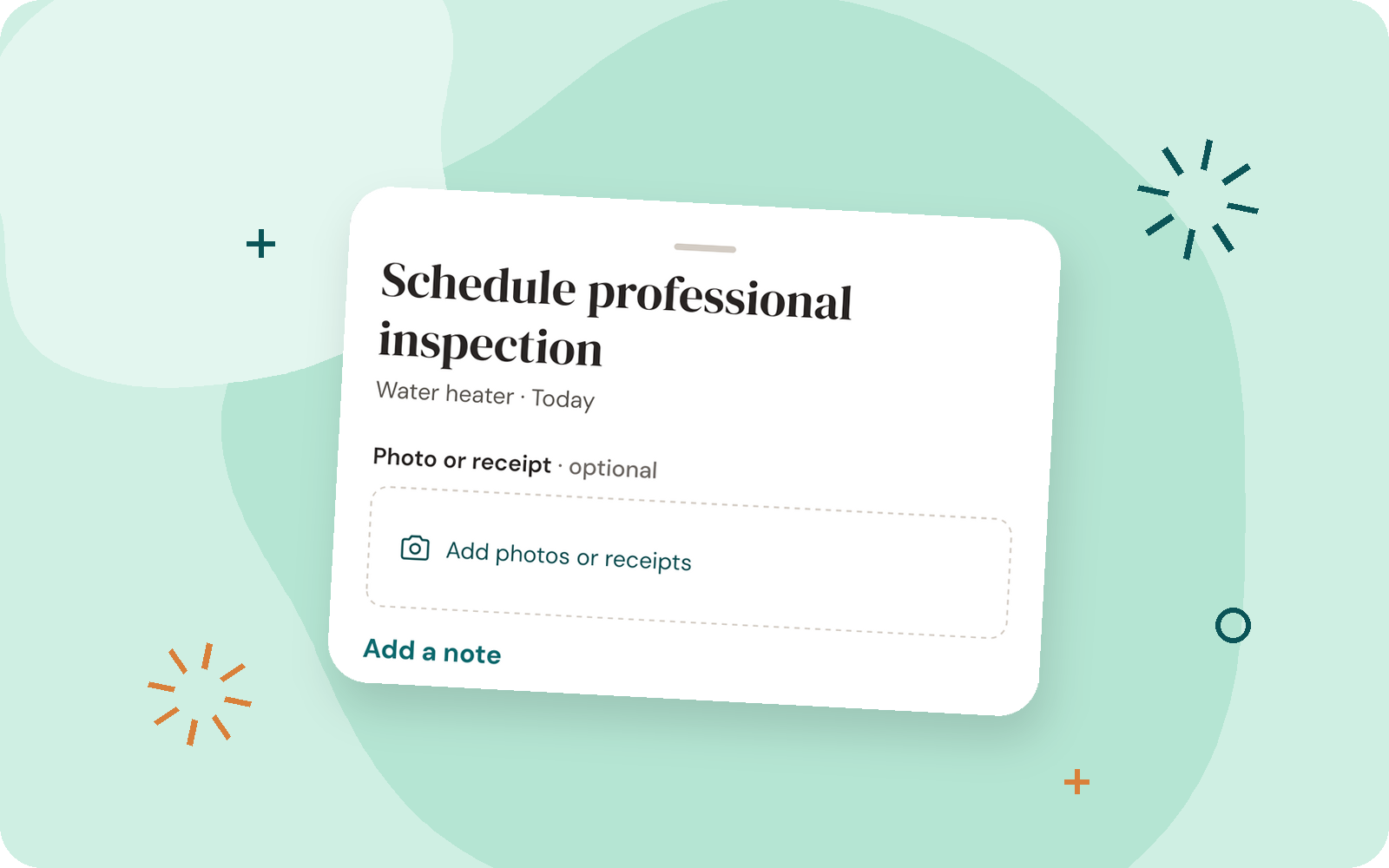
    Eden's mark it done sheet for a task, with a box to add photos or receipts and a link to add a note

    Your house has a story. Now you can read the whole thing.

    Tap your home score and the full picture opens up: your home’s condition, its history, and what needs attention next. Need it on paper, for a buyer or for your own files? Export it as a PDF.

    Houses don’t only need upkeep. Sometimes things break. When one does, log it: what broke and how it got fixed. Each repair becomes a chapter in your home’s story, right alongside the routine work.

    And when you finish a task, attach a photo or the receipt. Six months from now you won’t remember whether the gutters got cleaned in spring, or what the plumber charged. Your report will.

    Proof that the work happened, kept in one place, one tap from your score.

  8. Your whole home, added in one pass

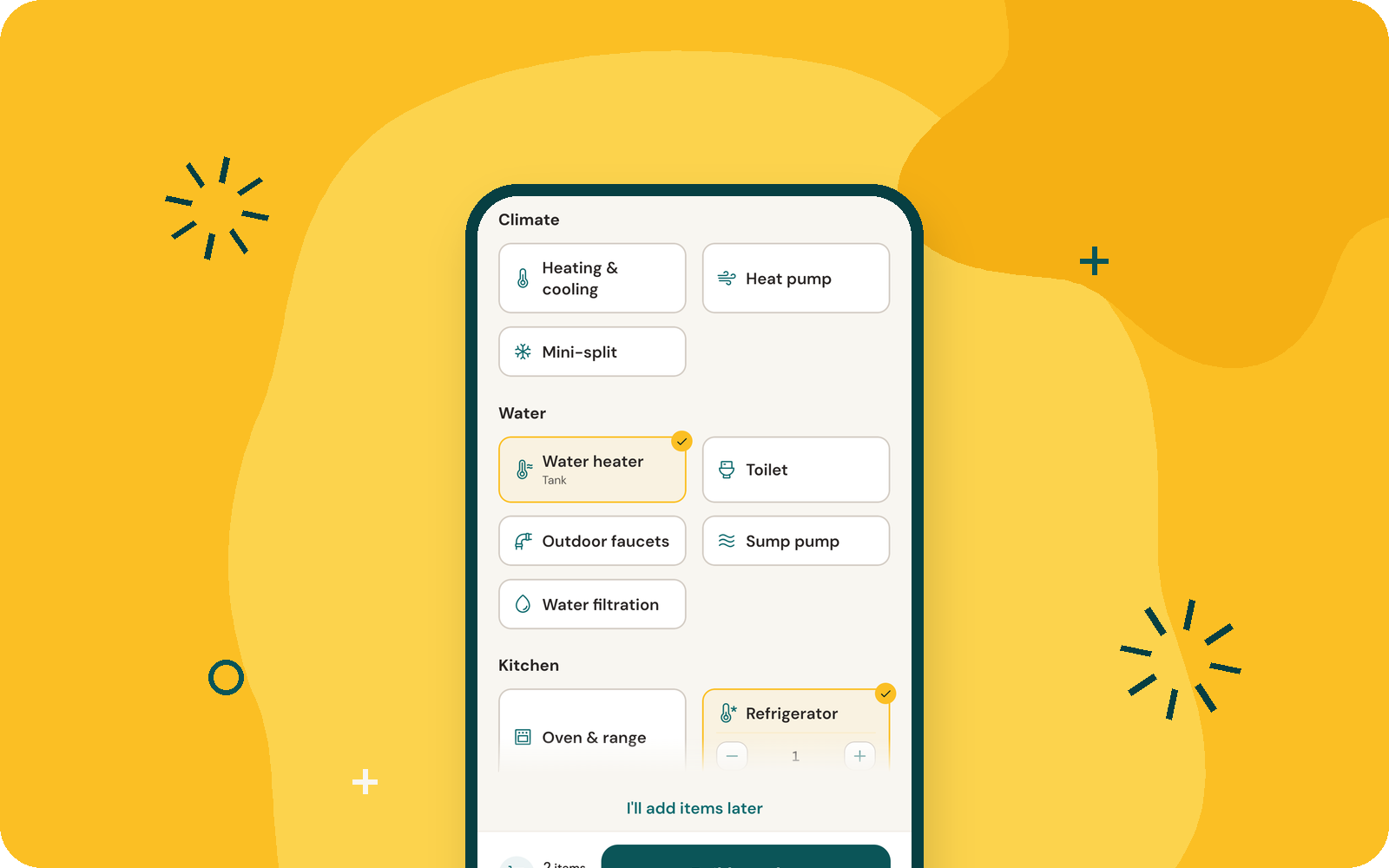
    The add-items picker in Eden with a water heater and a refrigerator ticked, a quantity stepper, and 2 items ready to add

    Setting up a property used to mean adding your stuff one item at a time. Furnace. Save. Water heater. Save. Three smoke detectors. Save, save, save.

    Now you pick everything at once. Tick the furnace, the water heater and the fridge, set a quantity on anything you have more than one of, and add the lot in a single step. Your home goes in as fast as you can tap.

    Every finished job leaves a record, too. Tap a completed task to see when it was done, what it cost and who did the work. Typed the wrong price, or forgot that a plumber handled it? Fix any of it right there.

    That record matters more than it looks. The next time someone asks when the water heater was last serviced, the answer is a tap away instead of a guess.

    Odd jobs

    • Clearer wording and smoother flows across the app.